Online Sequencer vs Chppr
Write notes in Online Sequencer. Flip audio in Chppr. Choose based on whether you want to compose MIDI-style notes or chop sounds into playable slices.
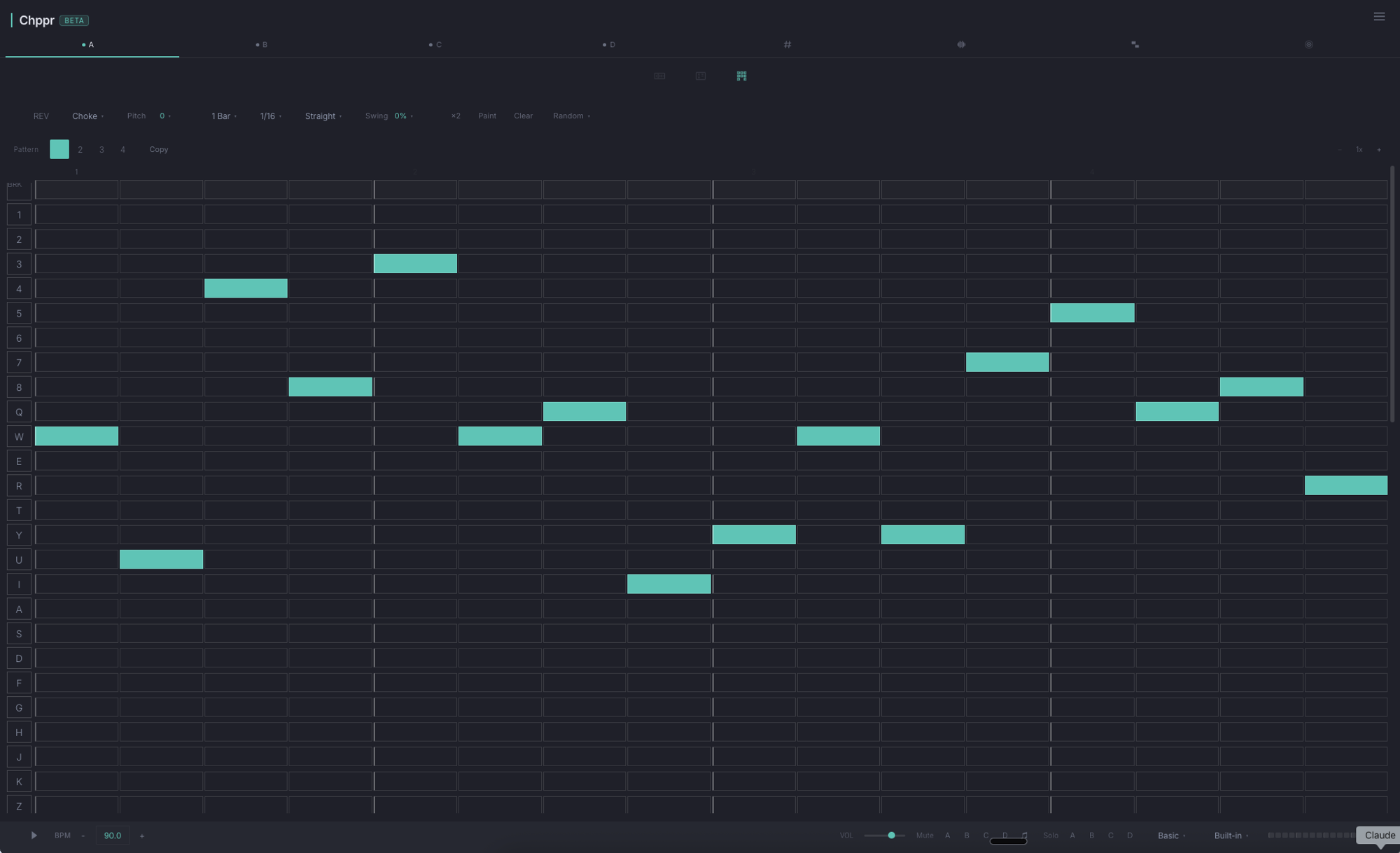
If you searched for "online sequencer" and ended up here, take ten seconds to figure out what you really need.
If you want the Chppr workflow without the comparison framing, start with the sample sequencer online page.
Notes on a grid, or audio on pads?
Online Sequencer
- MIDI piano roll in a browser
- Place notes on a grid, instruments play them
- Built-in synth / piano / drum sounds
- You do not bring your own audio
- Output is MIDI-style sequences
Chppr
- Audio sampler in a browser
- Chop your own audio into slices
- Slices play on 16-pad MPC layout
- You bring your own audio (or sample beats)
- Output is sliced audio + arranged beats
How to choose
Pick Online Sequencer if: You want to write a melody by clicking notes on a piano roll. You do not have your own audio. You want to share or remix MIDI-style sequences with a community.
Pick Chppr if: You have a song, vocal, or sample you want to chop up. You want to lay slices on pads and program a beat. You want to export to a DAW or share the project link.
They overlap in the sense that both run in a browser and both make beats, but the input is fundamentally different. Online Sequencer asks "what notes do you want?" — Chppr asks "what audio do you have, and how should it be sliced?"
Can you use both?
Yes, and many producers do. Write a melody on Online Sequencer, export the audio, drop it into Chppr, chop and rearrange. Or chop a sample in Chppr, export WAV slices, drop them into a DAW and sequence with MIDI there.
The browser is not yet a full DAW — but with focused tools chained together you can get a long way without installing anything.
Common questions
What is the difference between Online Sequencer and Chppr?
Online Sequencer is mainly for writing MIDI-style notes on a piano roll. Chppr is for chopping audio into slices, playing those slices on pads, and sequencing sample-based beats.
What kind of sequencer is Chppr?
Chppr sequences chopped audio slices into beat patterns. Online Sequencer is better for writing MIDI-style notes on a grid.
Can Chppr sequence audio slices?
Yes. Chppr can turn chopped audio into playable slices and place those slices into step-sequenced beat patterns.
Can I use Online Sequencer and Chppr together?
Yes. You can create or export audio from another browser music tool, bring that audio into Chppr, chop it, and sequence the slices into a new beat idea.
When should I use Chppr instead of an online sequencer?
Use Chppr when you already have audio you want to chop, play on pads, sequence into a beat, and export as WAV.
Try Chppr now
If "I have audio I want to flip" describes you, Chppr opens instantly. No account, no install, no fee.