Mobile sample chopper for phone and tablet
Open Chppr in your mobile browser, chop audio into playable pads, sketch a beat, and export WAV when the idea is worth keeping.
- No install
- Phone and tablet
- MPC-style pads
- Export WAV
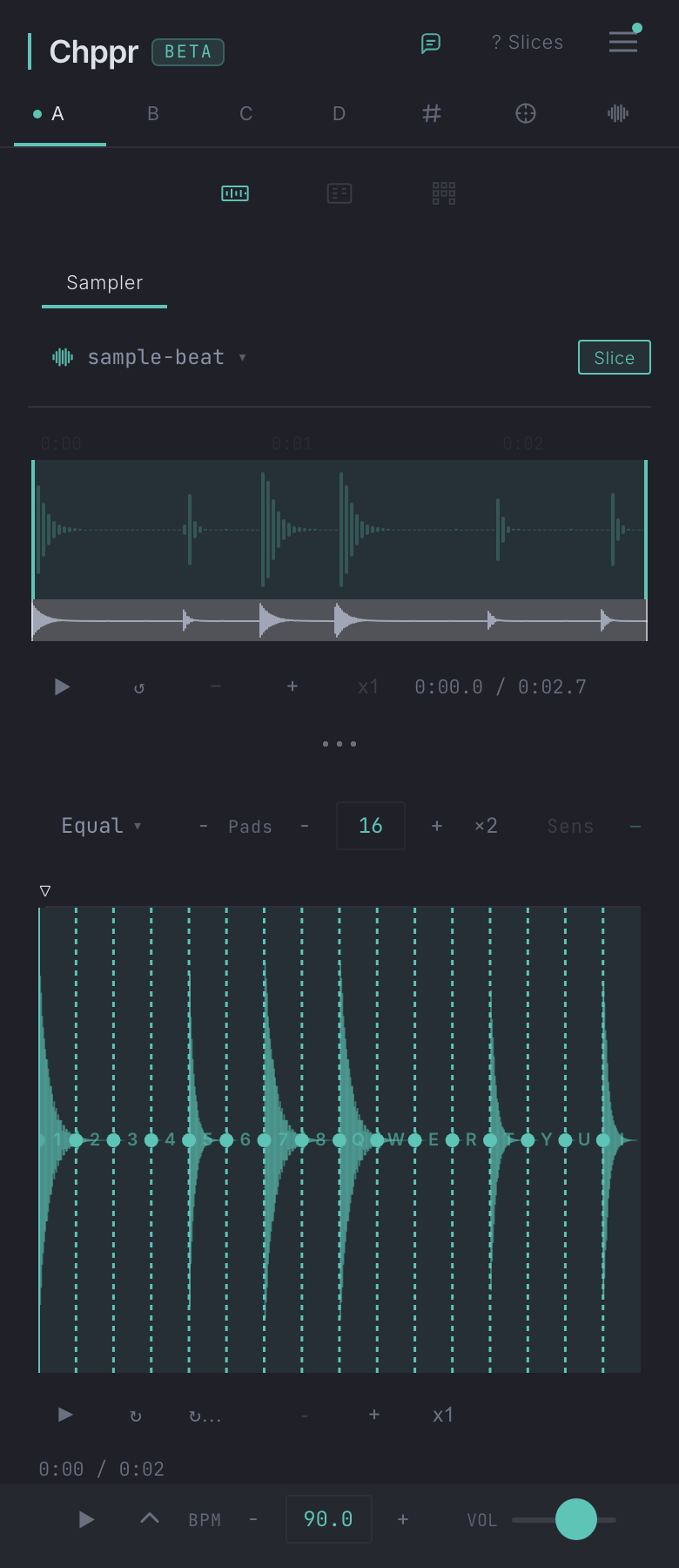
Chppr is a mobile sample chopper for producers who want to test a sample idea without installing another app. Open it in a modern browser, add audio, slice the useful part, and play the chops from pads.
Use it as a no-install sketch surface on phone, tablet, and desktop. Try a sample idea in the browser, then export WAV or continue on a larger screen when the idea works.
Why use a mobile sample chopper
- No install before the first idea. Open the page, try a demo beat, or add your own audio from the browser.
- Good for quick sketches. Use mobile when you want to test a loop, vocal phrase, drum break, or field recording before opening a DAW.
- Pad-based workflow. Turn slices into playable pads so the sample feels like an instrument, not just an audio file.
- Export when it works. Download WAV when the chop is worth continuing in Ableton Live, FL Studio, Logic, or another DAW.
Phone, tablet, then desktop
Mobile is best for deciding whether a sample has potential. Use a phone for quick listening and rough chops, a tablet for a little more control, and desktop when you want detailed editing or a longer arrangement.
The point is not to replace your studio setup. The point is to catch the idea while it is fresh, then export or keep building when the sketch starts to move.
Good for pocket beat sketches
Use Chppr like a pocket sampler online when you want to catch an idea quickly: chop a drum break on your phone, slice a vocal phrase on a tablet, or turn a field recording into playable pads.
The mobile workflow is best for fast decisions. If the chop feels good, export WAV from the browser or move to desktop for deeper editing.
From pocket idea to WAV export
Open Chppr in the browser
Start from your phone or tablet browser. You can open the app directly or try the built-in sample project.
Add audio and choose a region
Upload audio, record from the microphone, or use the demo beat. Select the part that has the groove, phrase, or texture you want to play.
Slice it into pads
Use auto-detect or manual slice points, then play the result from a compact 16-pad layout.
Sketch a beat
Sequence the chops, adjust the feel, and decide whether the idea is worth keeping.
Export or continue later
Export WAV, save a project, or move to desktop when you want more space for detailed editing.
No-install sample sketching on phone and tablet
Open Chppr in a mobile browser when you want to test a sound quickly: load audio, play slices on pads, sketch a pattern, and keep the idea moving without installing anything first.
Use mobile for quick listening and rough chops, then export WAV or continue on desktop when the idea starts to work.
Common questions
Can I chop samples on my phone?
Yes. Chppr runs in modern mobile browsers, so you can open it on a phone, add audio, slice a region, play pads, and sketch an idea.
Can I use Chppr as a sample chopper for tablet?
Yes. Tablets are a good fit for Chppr because they give you more room for the waveform, 16-pad layout, and sequencer while keeping the setup lightweight.
Can I use Chppr on my phone without installing an app?
Yes. Open Chppr in a modern mobile browser, try the sample project or add audio, play chops on pads, and export WAV when the idea works.
Can I export WAV from a phone browser?
Yes. After slicing or sequencing, you can export WAV audio from Chppr and continue the idea in a DAW when you are ready.
Can I play chops on MPC-style pads?
Yes. Chppr uses a pad-based workflow for playing chopped audio in the browser.
Can I try it without my own sample?
Yes. Use the built-in sample project to test the mobile sample chopping workflow before uploading your own audio.