Online sequencer for chopped audio
Turn chopped audio slices into a beat pattern in your browser. Play the pads, sequence the chops, and export WAV.
- Chop audio
- Play pads
- Step sequencer
- Export WAV
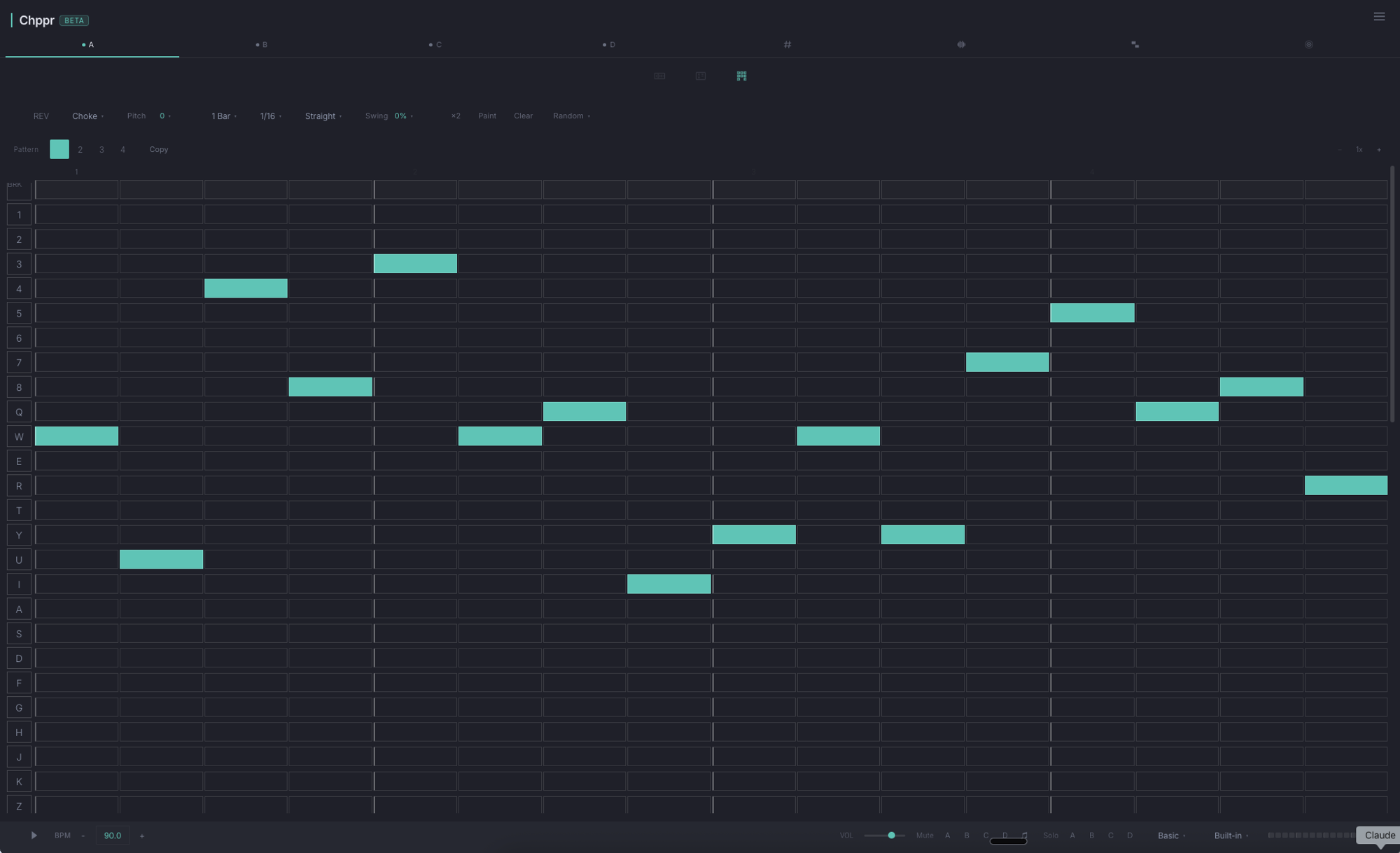
Chppr is an online sample sequencer for producers who want to turn audio into a beat idea quickly. Load a sound, chop it into slices, play the slices on pads, and use the step sequencer to build a pattern.
Chppr starts with audio: drum breaks, loops, vocals, field recordings, or short sounds you want to slice and rearrange into patterns.
What makes it a sample sequencer
- Audio comes first. Start from an audio file, microphone recording, or built-in sample beat.
- Slices become playable pads. Chop the source into pieces and trigger each slice like an instrument.
- Patterns come from chops. Use the step sequencer to place slices into a beat, not notes into a piano roll.
- Export when the idea works. Download WAV or continue the sketch in your DAW.
Audio slice sequencing for sample-based beats
Use Chppr when you already have a sound and want to flip it into something new. Chop the source into slices, play the pieces on pads, and sequence a sample-based beat in the browser.
The workflow starts from audio, not blank notes: pick a sound, find the playable pieces, build a pattern, and export WAV when the idea works.
From sample to sequence
Load audio
Drop in a file, record from the microphone, or start with the built-in sample beat.
Chop the source
Use auto-detect or manual slice points to turn the audio into playable pieces.
Play the pads
Trigger slices on pads and find the rhythm or phrase that feels musical.
Sequence a beat
Place slices into the step sequencer, adjust the groove, and turn the chop into a pattern.
Export or arrange
Export WAV, keep building with BeatArc, or move the idea into a full DAW session.
Good use cases
- Chopping drum breaks into new grooves.
- Turning vocal phrases into playable hooks.
- Rearranging melody loops into new patterns.
- Using field recordings as rhythmic or textural slices.
- Testing whether a sample is worth developing before opening a DAW.
Sequence chopped audio slices into patterns
Chppr is focused on sample-based ideas: chop audio, play the slices, sequence patterns, and export useful WAV material for your next session.
Common questions
Is Chppr a sample sequencer?
Yes. Chppr lets you chop audio into slices, play those slices on pads, and sequence them into sample-based beat patterns.
What kind of sequencer is Chppr?
Chppr is an audio sample sequencer. It helps you arrange chopped audio slices into beat patterns in the browser.
Can I sequence my own samples?
Yes. You can upload audio, record from a microphone, or start with a built-in sample beat, then chop and sequence the slices.
Can I export the sequence as WAV?
Yes. Chppr can export WAV audio when your sample-based pattern or arrangement is ready to continue elsewhere.
How is this different from Online Sequencer?
Online Sequencer is mainly a MIDI-style note sequencer. Chppr is for chopping audio into slices and sequencing those slices into a beat.